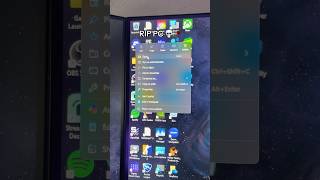
Stop Dragging Windows! Use Snap Layouts
45sQuick productivity tip with immediate visual payoff, appealing to efficiency seekers.
▶ Play Clip"The title promises a time-saving tip, and the video delivers exactly that, though it's a single, brief tip rather than a comprehensive guide."
This video offers a quick productivity tip for Windows users, demonstrating how to use snap layouts to organize the screen efficiently. It emphasizes saving time by avoiding manual window dragging.
Hovering over the maximize button reveals snap layouts, allowing users to organize multiple windows on the screen within seconds.
The video provides a simple, actionable tip to improve Windows productivity by using snap layouts instead of manually dragging windows.
How can you access snap layouts in Windows?
Hover over the maximize button on a window.
Snap Layouts for Efficiency
This is a practical, time-saving technique that many users may not know about, directly improving workflow.
⚡ Saved you 0h 00m reading this? Transcribe any YouTube video for free — no signup needed.