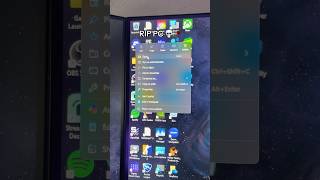
The Windows Trick 99% Don't Know
45sReveals a hidden, time-saving Windows feature that viewers will want to try immediately, driving shares and saves.
▶ Play Clip"The title promises a trick, and the video delivers exactly that — a concise, useful Windows tip with no fluff."
The video reveals a simple Windows trick to access all installed apps in a single view. By using the Run dialog and a specific shell command, users can easily manage or delete applications.
Press Windows R, type 'shell:appsFolder', and press Enter to open a folder showing every app on your PC.
What is the keyboard shortcut to open the apps folder in Windows?
Press Windows R, type shell:appsFolder, and hit Enter.
What does the shell:appsFolder command display?
It shows every app on your PC in one clean view, allowing you to easily delete unwanted apps.
Quick access to all apps
Provides a simple, undocumented method to view and manage all installed applications in one place.
[00:00] Most people don't know this Windows trick. If you can't find your apps all in one place, press Windows R on your keyboard and type shell colon apps folder and then hit enter. This shows every app on your PC in one clean view, so you can easily delete whatever you don't want.
[00:14] Follow for more content like this one.
⚡ Saved you 0h 00m reading this? Transcribe any YouTube video for free — no signup needed.